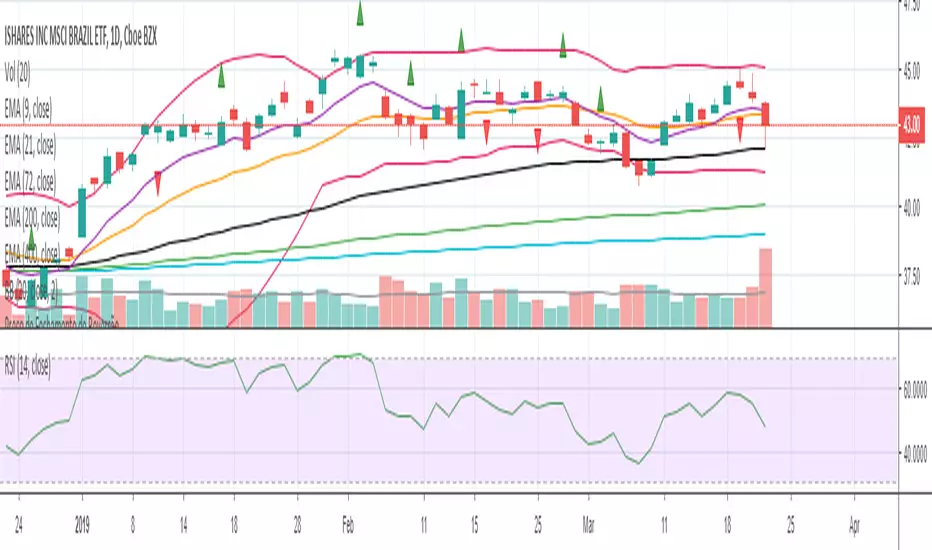
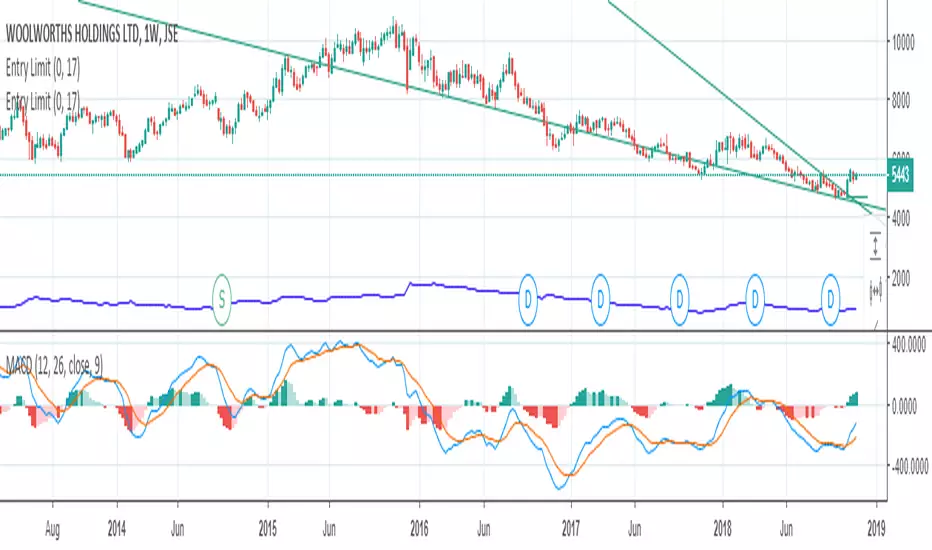
Entry ChecklistThis Pine Script creates a checklist table displayed in the bottom-right corner of the chart. It shows:
1. Whether the next earnings date is within the next 2 weeks
2. Whether the current month is a traditionally weak month (May, August, or September)
Each row includes:
โข A check title
โข The current value (e.g., date or month)
โข A โ red cross if the condition is met (warning signal)
Useful for quickly assessing seasonal and earnings-related risks.
Search in scripts for "entry"
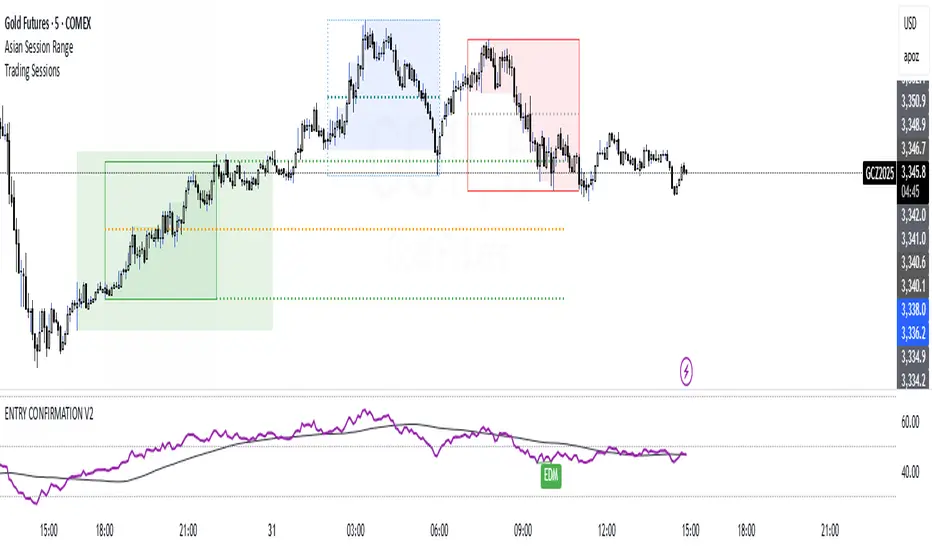
ENTRY CONFIRMATION V2An indicator from candle man. Helps determine whether supply and demand zone are truly supply or demand.
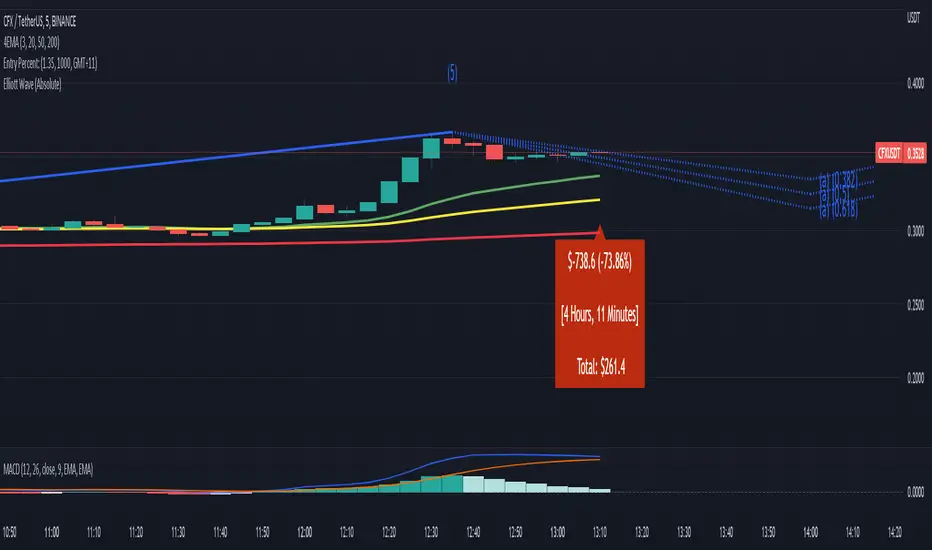
Entry Percent: EssamThis Pine Script code is designed to perform the task of computing and showcasing the profit percentage, profit value, and the duration for which a specific asset is held, all in real-time. The script effectively leverages the built-in resources to provide a seamless and robust experience, as it presents the calculated figures in an easily readable format on the chart, without causing any lag or disruptions to the chart.
Positional Swings by Batman TradesEntry and Exit Signals for higher timeframes based on Ema & Sma with RSI overbought/oversold plots for possible reversal indication.
It can be used for booking profit in the existing trade and take fresh position once the new candle breaks the high/low of alert candle depending upon the side.
Best work with high timeframes. (>1 Hour)
Best recommended for stocks
Entry Size 1barCalculates how many lots (100) you should buy/sell for any given bar with a fixed risk in USD and shows if Long (L), Short (S) or wait (w) with a label.
Requires max loss per week, trading days per day and lossing trading per day.
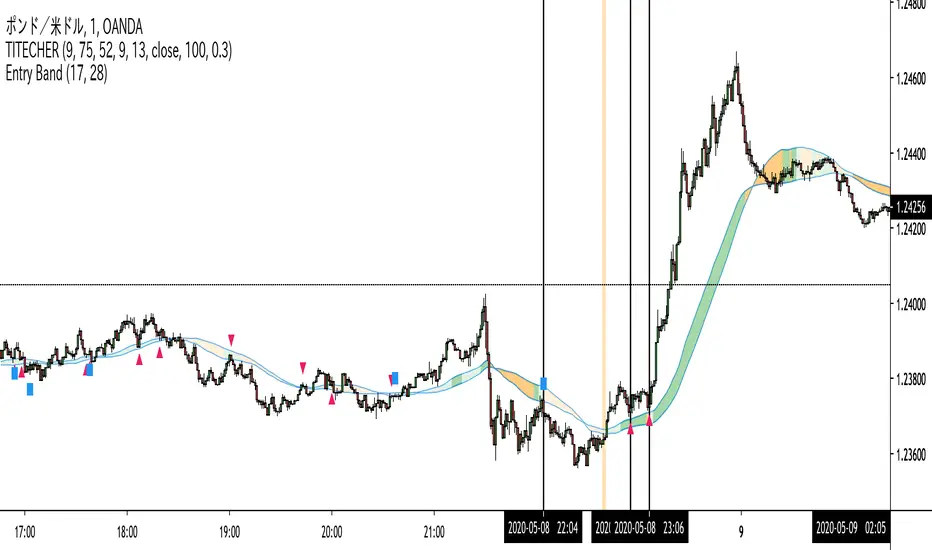
Entry Band(trial)This indicator is trial version. You can use for a month for free.
The indicator includes moving average and exponential moving average .
you can set the parameters you want.
you can see the trend.
green : up trend
orange : down trend
if you want to use this indicator, Please join the URL:
Entry BandThe indicator includes moving average and exponential moving average.
you can set the parameters you want.
you can see the trend.
green : up trend
orange : down trend
if you want to use this indicator, Please join the URL:
Entry FactorFind the most relevant price direction changes with ease, with this geometry-based indicator.
Stop wasting your time with moves that don't offer a satisfactory range for good profits.
Entry Bars -This algorithm takes in consideration Media averages, Volatility Movements and other Mathematical Properties.
-After adding this signal on TradingView, you will get notified every of potential long and short points triggered by the indicator.
-This signal alerts you anytime bars form a bullish or bearish pattern and price start to move in the suggested direction.
-It works in any time frame or market like Forex, Crypto, Commodities even Stocks.
-Recommended for bots or manual trading.
Do you need an Script or an expert adviser for Forex, contact our coding service
Get this indicator today! contact us
RocketScalperEntry follows the first normal candle after the highlights - use in conjunction with basic patterns, SFPs, and the until1mil indicators (SSO/MACD/MI/BZ)
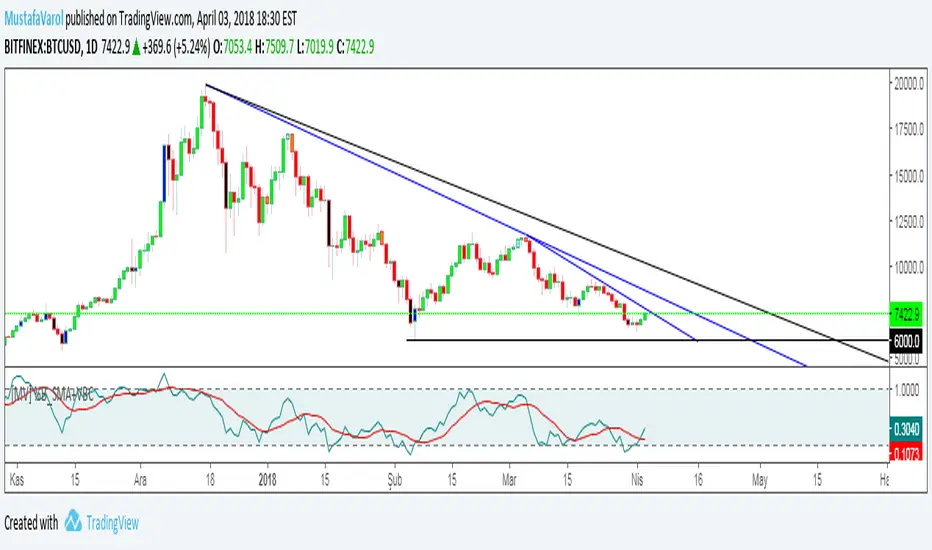
[MV] %B with SMA + Volume Based Colored Bars
Entry Signal when %B Crosses with SMA and this is more meaningful if it supports colored bars.
Black Bar when prices go down and volume is bigger than 150% of its average, that indicates us price action is supported by a strong bearish volume
Blue Bar when prices go up and volume bigger than 150% of its average, that indicates us price action is supported by a strong bullish volume
VBC author @KIVANCfr3762
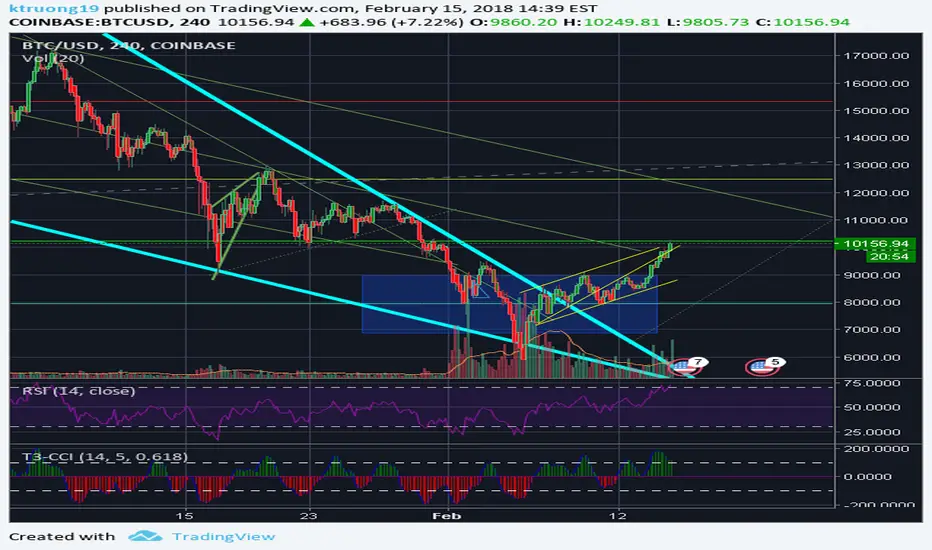
FX Sniper: T3-CCI Strategy - With 100 IndicatorsEntry signal when moving above -100, sell signal when going below 100
Amazing Crossover SystemEntry Rules
BUY when the 5 EMA crosses above the 10 EMA from underneath and the RSI crosses above the 50.0 mark from the bottom.
SELL when the 5 EMA crosses below the 10 EMA from the top and the RSI crosses below the 50.0 mark from the top.
Make sure that the RSI did cross 50.0 from the top or bottom and not just ranging tightly around the level.
How to setup Alert:
1) Add the Amazing Crossover System to your chart via Indicators
2) Find your currency pair
3) Set the timeframe on the chart to 1 hour
4) Press 'Alt + A' (create alert shortcut)
5) Set the following criteria for the alert:
Condition = 'Amazing Crossover System', Plot, ' BUY Signal'
The rest of the alert can be customized to your preferences
5) Repeat steps 1 - 4, but set the Condition = 'Amazing Crossover System', Plot, ' SELL Signal'
DR.SS:Advanced Market PhaseTRADING ROADMAP WITH THIS INDICATOR
๐ UNDERSTANDING THE INDICATOR
Market Phases Explained:
Phase 0 (Red): Severe decline - AVOID BUYING
Phase 1 (Blue): Accumulation - PREPARE TO BUY
Phase 2 (Green): Strong uptrend - BEST TIME TO BUY
Phase 3 (Orange): Distribution - TIME TO SELL/TAKE PROFITS
Phase 4 (Maroon): Decline - SELL/SHORT OPPORTUNITIES
MA Zones:
20-50 Zone: Short-term momentum (bullish/bearish/compressed)
150-200 Zone: Long-term trend (bullish/bearish/compressed)
๐ TRADING STRATEGY - STEP BY STEP
STEP 1: IDENTIFY MARKET PHASE
Check the background color & label:
Green Background = Phase 2 (Best for buying)
Blue Background = Phase 1 (Look for entry opportunities)
Red/Orange/Maroon = Phase 0,3,4 (Avoid buying, consider selling)
STEP 2: CHECK SIGNAL STRENGTH
Look for signals on chart:
๐บ Green Triangle = Strong Buy (Strength โฅ 2)
๐ข Green Circle = Weak Buy (Strength = 1)
๐ป Red Triangle = Strong Sell (Strength โฅ 2)
๐ Orange Circle = Weak Sell (Strength = 1)
Signal Strength Scale (1-7):
1-2: Weak signal (caution)
3-4: Moderate signal
5-7: Strong signal (best)
STEP 3: CONFIRM WITH MA ZONES
In the label, check:
"20-50 Zone: Bullish" + "150-200 Zone: Bullish" = Strongest confirmation
"Both MA Zones Bullish" = Maximum confidence
Zone Compression = Potential breakout coming
STEP 4: CHECK PRICE POSITION VS MAS
In label:
">20/>150/>50/>200" = All MAs aligned bullish (strong trend)
"<20/<150/<50/<200" = All MAs aligned bearish (strong downtrend)
Mixed = Sideways/choppy market
๐ฏ SPECIFIC TRADING SCENARIOS
SCENARIO 1: STRONG BUY (BEST)
Conditions:
Phase 2 (Green background)
Strong Buy signal (Green triangle)
Both MA Zones Bullish
Price > All MAs (">20/>150/>50/>200")
Signal Strength โฅ 4
Action:
Enter LONG position
Set stop loss below 200 MA
Target: Next resistance level
SCENARIO 2: EARLY ACCUMULATION BUY
Conditions:
Phase 1 (Blue background)
Weak Buy signal (Green circle)
150-200 Zone Bullish (long-term support)
20-50 Zone Compressed (potential breakout)
RSI > 45 and MACD improving
Action:
Small LONG position
Tight stop loss
Scale in as Phase 2 confirms
SCENARIO 3: SELL/TAKE PROFIT
Conditions:
Phase 3 (Orange background)
Sell signal (Red triangle/circle)
Price < Weekly MA(30)
Negative MACD Histogram
RSI crossed below 60
Action:
Exit LONG positions
Take profits
Consider SHORT if other bearish confirmations
SCENARIO 4: AVOID/EXIT
Conditions:
Phase 0 or 4 (Red/Maroon background)
Both MA Zones Bearish
Price < All MAs
RSI < 40, MACD < 0
Action:
NO BUYING
Exit all LONG positions
Consider SHORT positions
โ๏ธ RISK MANAGEMENT
Position Sizing:
Strong Signal (5-7): 2-3% risk per trade
Moderate Signal (3-4): 1-2% risk per trade
Weak Signal (1-2): 0.5-1% risk per trade
Stop Loss Placement:
LONG: Below 200 MA OR below recent swing low
SHORT: Above 200 MA OR above recent swing high
Tight SL: When MA zones are compressed
Wider SL: When strong trend confirmed
Take Profit Levels:
TP1: 1:1.5 Risk:Reward (exit 50% position)
TP2: 1:3 Risk:Reward (exit remaining 50%)
Trailing Stop: When Phase 3 signals appear
๐ ENTRY TRIGGERS
Buy Entry (Best):
Phase 2 confirmed + Strong Buy signal
Price breaks above Weekly MA(30)
Volume spike on breakout
Candle closes above 20 MA
Sell/Short Entry:
Phase 3 or 4 confirmed + Sell signal
Price breaks below Weekly MA(30)
Increasing volume on breakdown
Candle closes below 20 MA
๐ TRADE MANAGEMENT
During Trade:
MONITOR DAILY:
Market Phase changes
MA Zone status changes
New signal appearances
Price vs MA relationships
Exit Rules:
EXIT LONG WHEN:
Phase changes to 3 or 4
Sell signal appears
Price closes below 200 MA
Both MA Zones turn Bearish
EXIT SHORT WHEN:
Phase changes to 1 or 2
Buy signal appears
Price closes above 200 MA
Both MA Zones turn Bullish
๐ EXAMPLE TRADE JOURNAL
Date Phase Signal Zones Strength Action Result
MM/DD 2 Strong Buy Both Bullish 6/7 Long Entry +3.2%
MM/DD 1 Weak Buy 150-200 Bullish 3/7 Small Long +1.5%
MM/DD 3 Strong Sell 20-50 Bearish 5/7 Exit All Saved -2%
๐ PRO TIPS
Patience is Key: Wait for Phase 2 with strong signals
Multiple Confirmations: Never trade on just one signal
Weekly MA is King: Weekly MA(30) is your trend filter
Zone Alignment: Best trades when both MA zones agree
Strength Matters: Higher signal strength = higher probability
Avoid Choppiness: When MAs are mixed, stay out
Watch Transitions: Phase 1โ2 and Phase 2โ3 are critical
โ ๏ธ WARNING SIGNS
DO NOT BUY WHEN:
Red/Maroon background (Phase 0/4)
Both MA Zones Bearish
Price below all MAs
RSI < 40, MACD < 0
No Buy signals on chart
DO NOT SELL/SHORT WHEN:
Green background (Phase 2)
Both MA Zones Bullish
Price above all MAs
RSI > 60, MACD > 0
Buy signals still appearing
โ
QUICK CHECKLIST BEFORE TRADING
What's the Market Phase? (2 = Best)
Any Buy/Sell signals on chart?
Signal Strength? (โฅ3 for trade)
MA Zones status? (Both Bullish = Best)
Price position vs MAs? (Above all = Strong)
Weekly MA direction? (Price > Weekly MA = Bullish)
Risk:Reward calculated? (Min 1:1.5)
Position size appropriate for signal strength?
Signal Pro๐ Signal Pro is a composite signal-based tool that combines price momentum, volatility, trend reversal structures, and user-adjustable filters to provide multi-layered market analysis.
The indicator combines various input conditions to visually represent structural directional reversals and movements based on past patterns.
Signals are provided for analysis convenience and do not guarantee a specific direction or confirm a forecast.
โ Calculation Logic
Mode System (Auto / Manual)
The indicator offers two operating modes:
Auto Mode:
Key parameters are automatically placed based on predefined signal strength settings (Dynamic / Balanced / Safe).
Sensitivity, smoothing values, trend lengths, and other parameters are automatically adjusted to provide an analysis environment tailored to the user's style.
Manual Mode:
Users can manually configure each length, smoothing value, sensitivity, and other parameters based on their input.
This detailed control allows for tailoring the indicator to a specific strategy structure.
Price Structure Analysis Algorithm
The indicator hierarchically compares a specific number of recent highs and lows, and includes logic to determine which levels of the previous structure (high/low progression) are valid.
This process detects continuity or discontinuity between highs and lows, which serves as supplementary data for determining the status of the trend.
Momentum-Based Directional Change Detection
When the mevkzoo value, calculated in a similar way to the deviation from the centerline (Z-score-based), turns positive or negative, a structural direction change is identified.
At this point of transition, an ATR-based auxiliary line is generated to determine whether the reference point has been crossed.
DMI-Based Filter Conditions
The directional filter is constructed using the ta.dmi() value.
Only when certain conditions (DI+/DI- comparison, ADX structure, etc.) are met, a signal is classified as valid, which helps reduce excessive residual signals.
Position Status Management
This indicator internally tracks up and down trends.
TP level detection
This indicator is intended for visual analysis and does not include trade execution functionality.
โ How to Use
Interpreting the Indicator Active Flow
The indicator operates in the following flow:
Internal momentum transition โ
Structure-based level calculation โ
ATR-based baseline generation โ
Baseline breakout confirmation โ
Signal signal when the set filter is passed.
Each condition is best used in combination rather than interpreted independently.
Visual Signal Confirmation
The purpose of this indicator is to help identify structural changes.
TP Detection Indicator
When a specific condition is met in the existing directional flow, a TP number is displayed.
This feature visualizes the structure step by step.
โ Visual Elements
Line and Bar Colors
Bullish Structure โ Green
Bearish Structure โ Red
Neutral or Filter Not Met โ Gray
Structure Lines (EQ Points)
A simple structure line in the form of an at-the-money pattern is placed based on the recent pivot high/low,
to aid in visual recognition of the range.
Candle Color Overlay
Signal Pro changes the candle color itself to intuitively convey real-time status changes.
โ Input Parameters
Mode Selection
Auto Mode: Simply select a style and all parameters will be automatically adjusted.
Manual Mode: Detailed settings for all values โโare possible.
Stop-Loss Related Inputs
โ Used only as a position closing criterion and does not generate strategy signals.
Entry Length / Smooth / Exit Length, etc.
In Manual Mode, determine the sensitivity and structure analysis length.
Fake Trend Detector
This is an additional filter to reduce trend distortion.
Increasing the value reflects only larger structural changes.
Alert Setting
Select from:
Once per bar
Based on the closing price
โ Repaint Operation
Internal structure-based calculations (high/low comparisons, momentum transitions, etc.) do not repaint for confirmed candles.
However, since most conditions are based on the closing price, and some may fluctuate in real time,
the status of the current candle may change.
The indicator's signals are most stable after the closing price is confirmed.
This is normal behavior due to the nature of the technical calculation method,
and is not a completely non-repaintable signal prediction system.
โ Purpose
Signal Pro supports the following analytical purposes:
Visualizing reversal points in price structure trends
Assisting in determining the likelihood of a trend reversal
Structure recognition based on a combination of momentum and volatility
Providing convenient alerts when conditions are met
The indicator is an analytical tool and does not provide any predictive or guarantee capabilities for future prices.
โ Precautions and Limitations
Because this indicator is a complex set of conditions, it is best used in conjunction with market structure analysis rather than relying solely on signals.
Very low settings can increase sensitivity, leading to frequent structural changes.
Since Auto mode parameters are not optimized for specific market conditions, it may be beneficial to adjust them to Manual mode as needed.
Signals may change during real-time candlesticks, but this is based on real-time calculations, not repaints.
FibLevel Size CalculatorThis skript calculates position sizes and new take profits for sizing into an long or short position with 3 entrys defined at custom fibonacci retracement levels.
TP: -0,272
Entry1: 0.382
Entry2: 0.618
Entry3: 0.83
SL: 1.05
Expected RR per trade is 0.2 with a High Win rate definitly profitable.
Search for an established trend on the higher timeframe, drop to the smaller ones and look for correction waves. Once they break to the trenddirection of the higher timeframe take the fib from lowest to highes point. Draw a fib level on the chart and use the Indicator to define these Levels above. The calculator gives you the Margin to use in each position, and will check that you will not get liquidated an that you have enough margin. It tells you the new TP for Limit2 and Limit3 if they get hit so you can get out of the trade full TP with a small bounce.
Inputs:
Account Balance, Risk Percentage, and Leverage: These inputs are used to calculate the position size and risk.
Entry 1, Entry 2, Entry 3, Take Profit (TP), and Stop Loss (SL): These prices are used for calculating position sizes, risk, and profit for up to three entry points.
Calculations:
Risk Amount: Calculated based on the account balance and risk percentage.
Position Sizes (Qty): For each entry point, the position size is determined. The second and third entries have a multiplier (3x for Entry 2, 5x for Entry 3) compared to the first.
Stop Loss and Profit Calculation: The script calculates the potential profit and adjusts the TP levels based on the average entries for Limit 2 and Limit 3.
Margin Calculation: Margin requirements for each position are calculated based on leverage.
Output:
Table Display: A table shows key values like entry prices, position sizes, TP levels, potential profit, and margin requirements for each limit.
Warnings: It includes a liquidation warning and a check for whether the account is at risk of liquidation based on leverage.
Position Type: It automatically detects if the trade is a long or short based on the relationship between TP and SL.
Visualization:
Lines: It draws horizontal lines on the chart to visually represent the entry, TP, and SL levels.
Overall, this script is designed to help traders manage risk and calculate position sizes for multi-level entries using leverage.
Pls drop feedback in the comments.