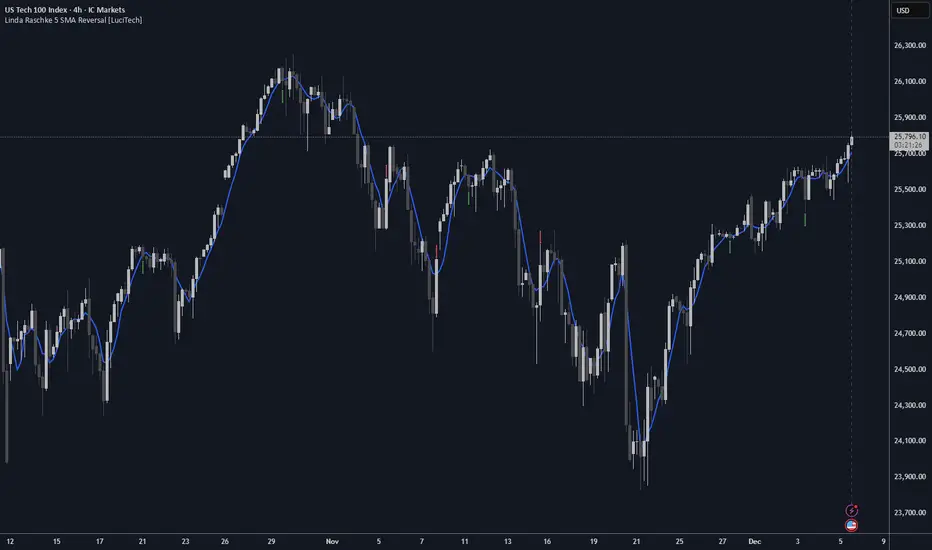
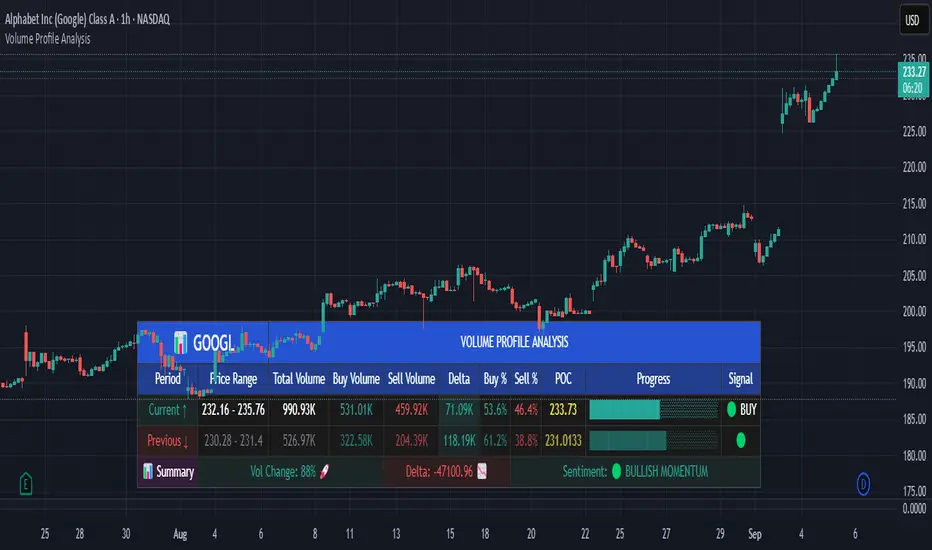
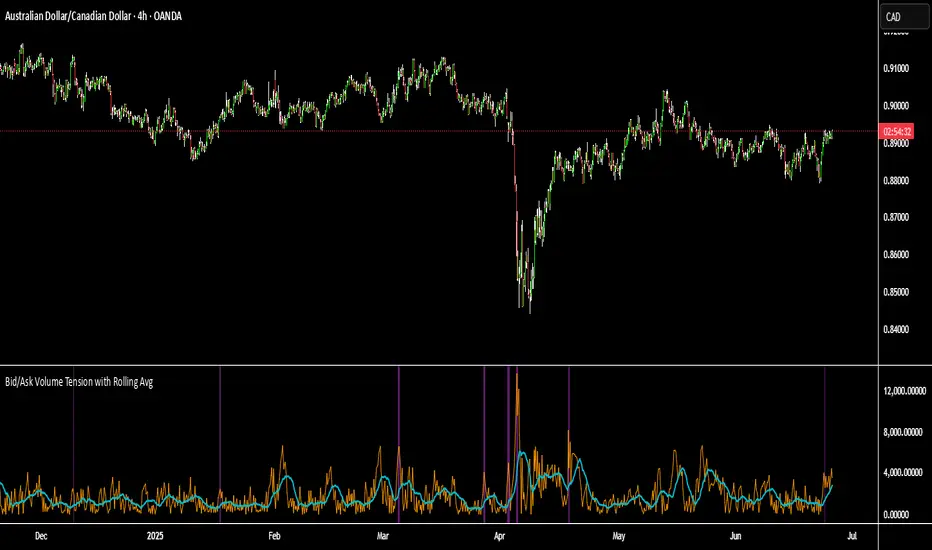
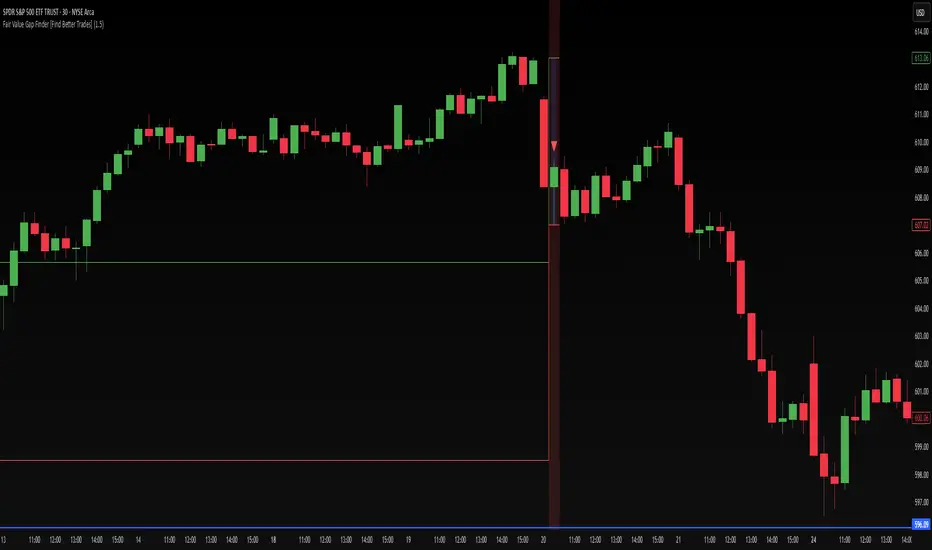
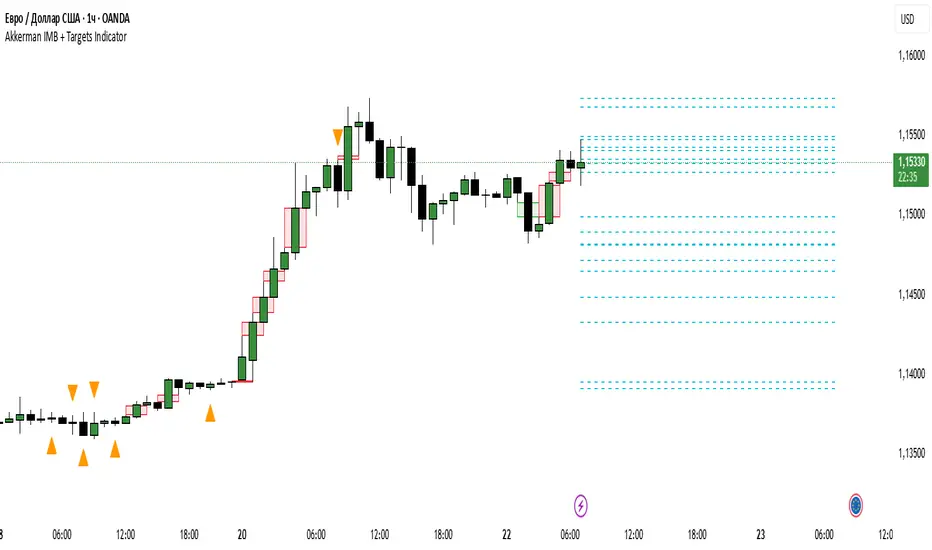
TPC-Buying and Selling areasTPC - Buying and Selling Areas
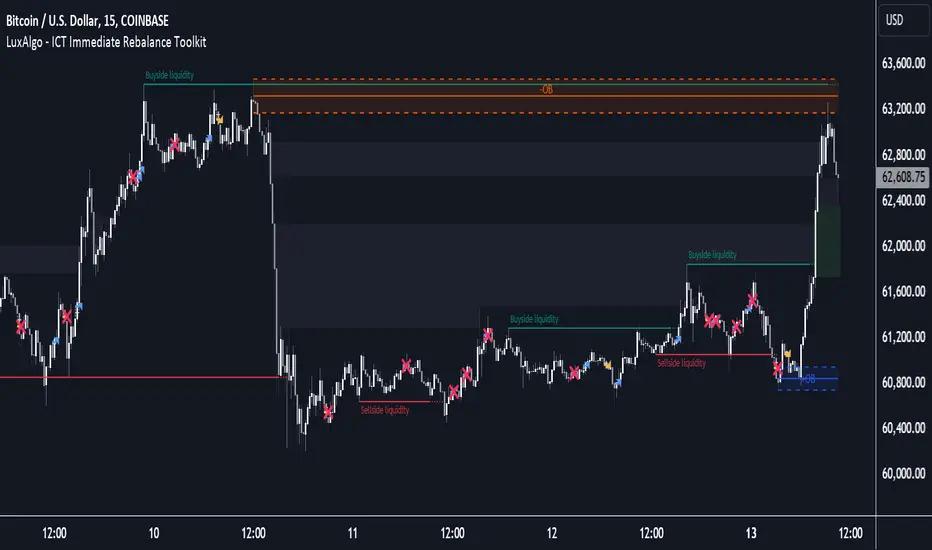
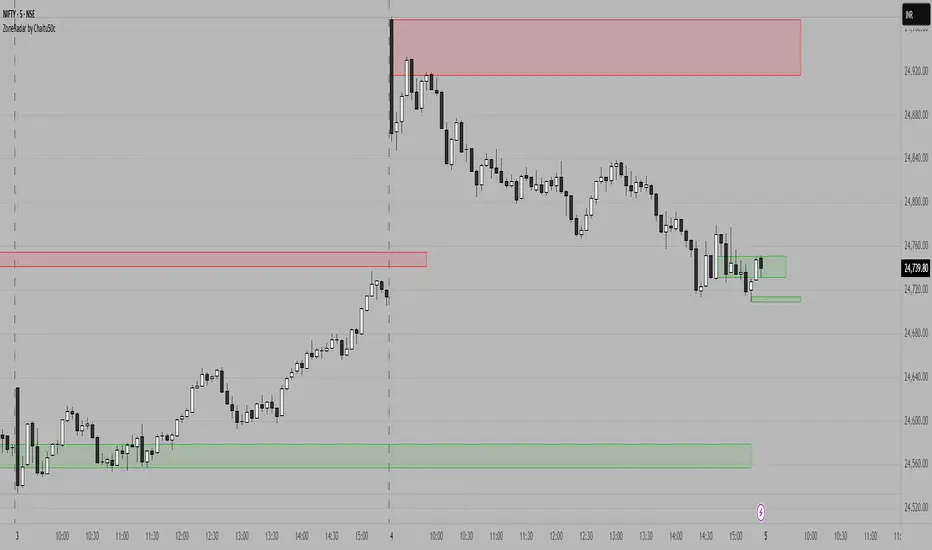
Open-source multi-timeframe indicator that automatically detects and displays Supply (resistance) and Demand (support) zones based on swing structure, along with Fair Value Gaps (FVGs) for imbalance visualization. Supports up to two higher timeframes (MTF) for Supply/Demand + optional current-chart or custom timeframe FVGs, with mitigation tracking, alerts, and a dashboard for FVG stats.
Overview
This tool helps identify key price areas where institutional buying/selling pressure may have accumulated (Supply/Demand zones) and inefficiencies/imbalances in price delivery (Fair Value Gaps).
It plots:
•Demand zones (potential support/buy areas) in green tones
•Supply zones (potential resistance/sell areas) in red tones
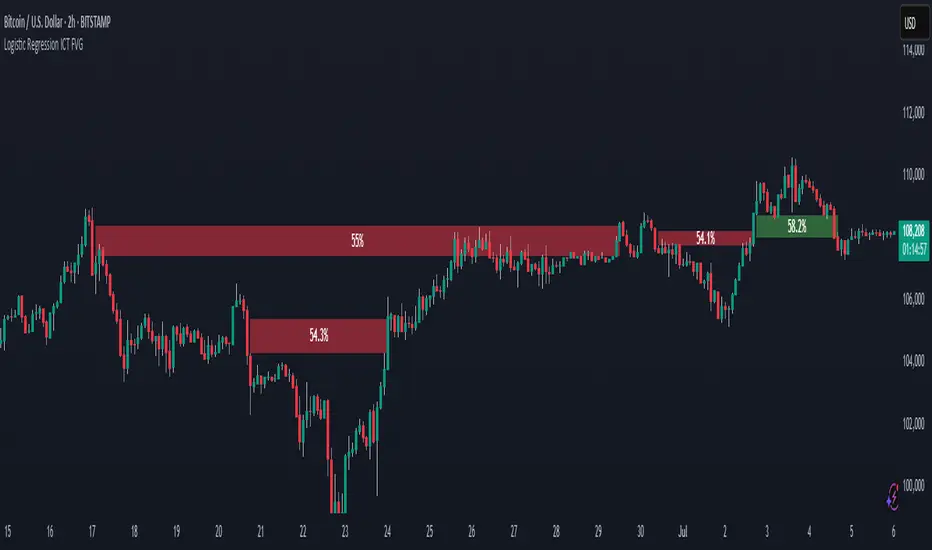
•Bullish/Bearish FVGs as filled or line areas (with dynamic or fixed extension options)
•A simple FVG dashboard showing count and mitigation percentage
Zones mitigate (disappear or mark as filled) when price closes/wicks through them. Designed for clean charts with configurable visibility, box pooling, and alerts on new zones or FVG events.
How It Works (Conceptual)
•Supply & Demand Zones
•Uses pivot-based swing highs/lows from one or two user-selectable higher timeframes (or chart timeframe).
•Detects structure breaks (e.g., higher highs/lows, lower highs/lows) near recent ATR range to form zones.
•Zones drawn as extendable boxes with timeframe label, customizable borders/text.
•Mitigation: Zones removed or marked when price breaches them (close or extreme/wick, configurable globally or per TF).
•Only shows recent zones (user-defined "show last N") and cleans up on lower timeframes if desired.
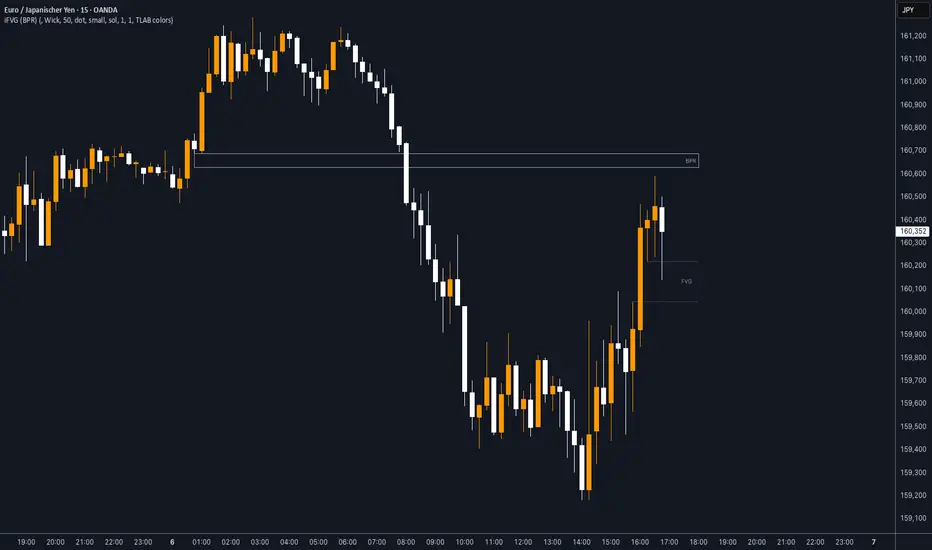
•Fair Value Gaps (FVGs)
•Detects 3-candle imbalances where price gaps aggressively (low > high for bullish, high < low for bearish, with optional size threshold).
•Plots as semi-transparent boxes (fixed extend) or dynamic fills that adjust with price.
•Tracks mitigation (when price fills the gap) and optionally draws dashed mitigation lines.
•Shows unmitigated recent FVGs as lines + dashboard stats (total count, % mitigated for bull/bear).
•Multi-timeframe logic uses request.security() for higher TFs, with careful handling for display on lower charts.
See the code for full pivot detection, array management, mitigation loops, and FVG conditions.
How to Use
•Best on volatile/liquid markets (crypto, forex, indices, futures) across intraday to daily timeframes.
•Use Demand zones (green) as potential long entries or support flips when price approaches from above.
•Use Supply zones (red) as potential short entries or resistance when price approaches from below.
•FVGs highlight inefficiencies: bullish FVGs often act as magnets/pullbacks in uptrends; bearish in downtrends.
•Combine with higher-timeframe bias (e.g., show HTF zones on LTF chart) for confluence.
•Alerts fire on: new demand/supply zone, new bullish/bearish FVG, or FVG mitigation.
•Keep "Show only on lower timeframes" enabled to avoid clutter on HTF charts.
•Adjust "Box Size" (pool) if you hit max_boxes limit on very long histories.
Settings
General Settings
•Hide all Demand / Supply zones
•Show S&D only on lower TFs
•S&D Box Size (pool limit, default 80)
•Mitigate on Close or Wick/Extreme
Timeframe 1 & Timeframe 2 (identical groups)
•Set to chart timeframe (or custom)
•Show Demand/Supply
•Alerts for new zones
•Timeframe multiplier + period (Min/Hour/Day/Week/Month)
•Swing Length for pivots
•Border type/width, text size/color
•Demand/Supply colors
•Show last N zones per type
FVG Settings
•Threshold % (min gap size) or Auto
•Unmitigated levels to show
•Mitigation levels (dashed lines)
•FVG Timeframe (blank = chart)
FVG Style
•Extend bars
•Dynamic fill (adjusts with price)
•Bullish/Bearish colors
FVG Dashboard
•Show dashboard
•Location (Top Right etc.)
•Text size
Notes / Limitations
•Non-repainting after bar close (uses confirmed pivots/security data).
•Heavy on boxes/lines — increase pool size carefully (TradingView limits apply).
•FVGs can fill quickly in ranging markets; use with structure/context.
•Always backtest and combine with your analysis — not financial advice, trading carries risk.
•Open-source: feel free to fork, improve, or learn from it.
Pine Script® indicator